How to Install CarStream on Android Auto | A Step-by-Step Guide (No Root Required)
Install CarStream on Android Auto via AAAD in under 5 minutes without root. Download AAAD, select CarStream, enable Developer Mode and Unknown Sources in Android Auto settings, then connect your phone to your car. Works on Android 12 to 15. On Android 16 and 17, use AABrowser or Fermata Auto instead. Last updated: July 27, 2026 Can you still use CarStream in 2026? Yes. CarStream remains the most widely used third-party YouTube app for Android Auto. It does not require root access when installe
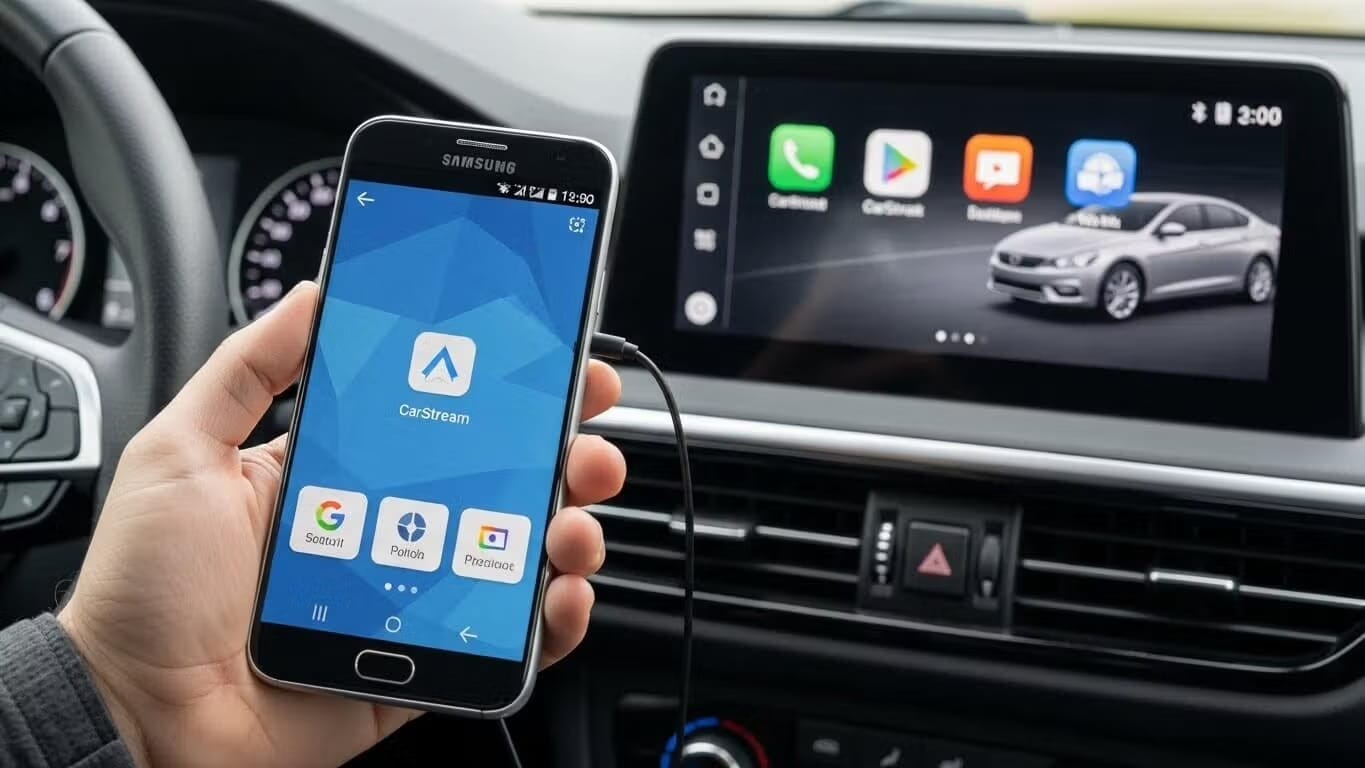
Install CarStream on Android Auto via AAAD in under 5 minutes without root. Download AAAD, select CarStream, enable Developer Mode and Unknown Sources in Android Auto settings, then connect your phone to your car. Works on Android 12 to 15. On Android 16 and 17, use AABrowser or Fermata Auto instead.
Last updated: July 27, 2026
Can you still use CarStream in 2026? Yes. CarStream remains the most widely used third-party YouTube app for Android Auto. It does not require root access when installed via AAAD, the verified installer built specifically for this purpose.
Download AAAD and Install CarStream
For many drivers, the limitations of Android Auto can be frustrating. While the official platform excels at navigation and music, it strictly blocks video playback to prevent driver distraction. However, users looking to unlock the full potential of their infotainment system specifically to watch YouTube videos via CarStream can do so using a tool called AAAD (Android Auto Apps Downloader).
This guide explains how to install CarStream safely, the settings you may need to tweak, and the risks involved with sideloading apps.
What is CarStream and AAAD?
CarStream is a third-party application that enables users to watch YouTube videos on their Android Auto head unit.
To install it, you need AAAD. AAAD is an installer that allows owners of non-rooted Android devices to download and install third-party apps directly to their phones in a way that Android Auto recognizes.
The safest way to download CarStream is through AAAD, not directly from GitHub. While CarStream's source code lives on GitHub, AAAD verifies each release before distribution, meaning you get the correct APK without hunting through GitHub releases manually. If you have seen guides recommending a direct GitHub download, AAAD does the same thing in one tap.
Key Features of AAAD
- No Root Required: Works on standard Android phones (Android 6.0+).
- No PC Needed: The installation happens entirely on your phone.
- Curated Apps: Provides access to CarStream, Fermata Auto, Screen2Auto, and others.
How do I install CarStream on Android Auto without root?
Follow these steps to get CarStream running on your vehicle's display.
- Download AAAD — Download AAAD from aaad.app.
- Install AAAD on Your Phone — Once the APK file is downloaded, tap to install it. You may need to grant your browser permission to install apps from unknown sources if prompted.
- Select and Install CarStreamNote on Downloads: The free version of AAAD allows for one download every 30 days. To unlock unlimited downloads, you can purchase the Pro version.
- Open the AAAD app on your phone.
- Browse the list of available apps and locate CarStream.
- Tap on CarStream and confirm the installation.
- AAAD will download the app and prompt you to install it. Follow the on-screen instructions.
- Connect to Your Car — Connect your phone to your vehicle using a high-quality USB cable or a compatible wireless adapter. If installed correctly, CarStream should appear in your Android Auto app launcher.
How to Use CarStream on Android Auto
Once CarStream appears in your Android Auto launcher, tap it to open YouTube directly on your car screen. You can search for videos, browse your subscriptions, and control playback using your head unit's touch screen or physical controls. To switch back to navigation, press the Android Auto home button. CarStream runs in the background and resumes when you tap it again.
Note: CarStream stops playback when you switch to Google Maps. If you need navigation and video simultaneously, use Fermata Auto instead, which supports background play.
Android Version Compatibility
| Android Version | CarStream Status | Notes |
|---|---|---|
| Android 12 | ✅ Fully supported | Stable installation and operation |
| Android 13 | ✅ Fully supported | Recommended version |
| Android 14 | ⚠️ Partial support | Works on most devices. Some users report "No new messages" errors |
| Android 15 | ⚠️ Partial support | Install via AAAD works. May need re-enabling after updates |
| Android 16 | ❌ Not working | CarStream fails to load on Android 16. Use AABrowser to watch YouTube instead. |
| Android 17 | ❌ Not working | CarStream is not compatible with Android 17. Use AABrowser as an alternative. |
On Android 14 and 15: If CarStream shows a "No new messages during this drive" error, enable Unknown Sources in Android Auto Developer Settings and restart Android Auto completely before connecting your phone.
CarStream is officially supported on Android 15 and earlier versions. Beginning with Android 16, changes to Android Auto security policies, application validation requirements, and background execution restrictions prevent CarStream from loading or operating correctly on many devices. As a result, CarStream is considered incompatible with Android 16 and Android 17, and there is currently no reliable workaround that restores full functionality.
For users running Android 16 or Android 17, AABrowser is the recommended alternative, as it remains compatible with newer Android Auto environments and provides a practical solution for accessing YouTube and other web-based content directly from the vehicle display.
CarStream vs Fermata Auto: Which Should You Use?
Both apps are installable through AAAD. Here is how they compare:
| Feature | CarStream | Fermata Auto |
|---|---|---|
| YouTube playback | ✅ Yes | ✅ Yes (via browser) |
| Local video files | ❌ No | ✅ Yes |
| IPTV / m3u streams | ❌ No | ✅ Yes |
| Free to use | ✅ Yes | ✅ Yes (open source) |
| Android 14/15 stability | ⚠️ Mixed | ✅ More stable |
| Android 16/17 | ❌ Not working | ✅ Recommended |
| Root required | ❌ No | ❌ No |
| Best for | YouTube-focused users on Android 13 or below | Broader media playback, Android 14+ |
Still deciding which one fits your setup? Our full CarStream vs Fermata Auto comparison breaks down streaming options, stability, and Android 14/15 performance side by side, so you can pick the right app before you install.
Troubleshooting: What If CarStream Doesn't Appear?
CarStream installed but not appearing in Android Auto: Unknown Sources is not enabled. Repeat the Developer Mode steps below, then restart Android Auto.
"No new messages during this drive" error: Fully close and restart Android Auto before connecting your phone. On Samsung devices, also disable Battery optimization for the CarStream app: Settings, Apps, CarStream, Battery, Unrestricted.
CarStream disappeared after a phone or Android Auto update: OS updates occasionally reset Android Auto developer settings. Re-enable Unknown Sources after any major update.
App crashes on launch: Clear the Android Auto cache: Settings, Apps, Android Auto, Storage, Clear Cache. Then restart your phone.
CarStream not finding your YouTube account: Desktop mode is not enabled. Open CarStream directly on your phone, go to Settings, and turn on Desktop mode.
How to Enable Android Auto Developer Mode
- Open your phone's Settings.
- Search for "Android Auto" or navigate to Settings, Connected Devices, Connection Preferences, Android Auto.
- Scroll down to the Version number at the bottom.
- Tap the Version number 10 times rapidly.
- A prompt will ask if you want to allow development settings. Tap OK.
How to Enable Unknown Sources
- Once Developer Mode is active, tap the three-dot menu in the top-right corner of the Android Auto settings screen.
- Select Developer settings.
- Scroll down and check the box for Unknown Sources.
By default, Android Auto only displays apps from the Google Play Store. Enabling Unknown Sources allows sideloaded apps like CarStream to appear on the launcher. If the app still doesn't appear, try clearing the cache of the Android Auto app or restarting your phone.
Safety and Security Risks
While installing CarStream offers more entertainment options, it involves risks that users must understand.
- Security Vulnerabilities: Installing apps via sideloading exposes your device to unverified code. AAAD itself is safe when downloaded from its official source, but the practice of sideloading inherently carries risk.
- System Instability: Android Auto is a fragile platform that often breaks after operating system updates. Sideloaded apps like CarStream do not have official support and may crash, freeze, or disappear after a phone or Android Auto update.
- Driver Distraction: The most critical risk is physical safety. Google blocks video apps because they violate Driver Distraction guidelines. Using video apps while the vehicle is in motion is dangerous and illegal in many jurisdictions.
Take Your Dashboard Further
Now that you've successfully installed CarStream, CarStream is just one of many powerful tools available through the AAAD ecosystem. To ensure your setup remains stable through the next Google Play Services update, or to discover other top-tier mirroring tools, check out our Ultimate AAAD Installation Guide.
Frequently Asked Questions
Does CarStream work on Android 14, 15, 16, and 17?
CarStream works on Android 14 and 15 on most devices but may require extra steps. On Android 16 and 17, CarStream has limited compatibility and is not recommended. For Android 16 and 17, use AABrowser or Fermata Auto instead, both available via AAAD.
Do I need to root my phone to use CarStream?
No. AAAD installs CarStream without root access. You only need to enable Developer Mode inside the Android Auto app settings, which does not root your phone.
Why isn't CarStream on the Google Play Store?
Google restricts video apps from Android Auto because they are classified as high-distraction under its Driver Distraction guidelines. CarStream is distributed via GitHub and installed through AAAD as a result.
Will CarStream break if I update Android Auto?
Android Auto updates occasionally reset Developer Settings. If CarStream disappears after an update, re-enable Unknown Sources in Android Auto Developer Settings and reconnect your phone.
What is the best alternative to CarStream on Android 16 and 17?
Fermata Auto and AABrowser are the recommended alternatives on Android 16 and 17. Fermata Auto supports local video files, IPTV streams, and YouTube with strong compatibility on newer Android versions. AABrowser requires no APK install at all and works natively on Android 15 and above. Both are available through AAAD.
Does AAAD cost money?
AAAD has a free version that allows one app download every 30 days. The Pro version unlocks unlimited downloads. CarStream itself is free.

Unlock the Power of Android Auto
Experience full customization. Download the official AAAD downloader and start running custom YouTube, mirror, and media apps in your car today.
Install AAAD Now