Android Auto Update Broke Your Apps? Here Is How to Fix It
Every Android Auto update silently resets Developer Settings and breaks AAAD-installed apps. Here is the 2-minute fix - plus a running log of every update that has caused problems.

Every Android Auto update silently resets Developer Settings and breaks AAAD-installed apps. Here is the 2-minute fix - plus a running log of every update that has caused problems.

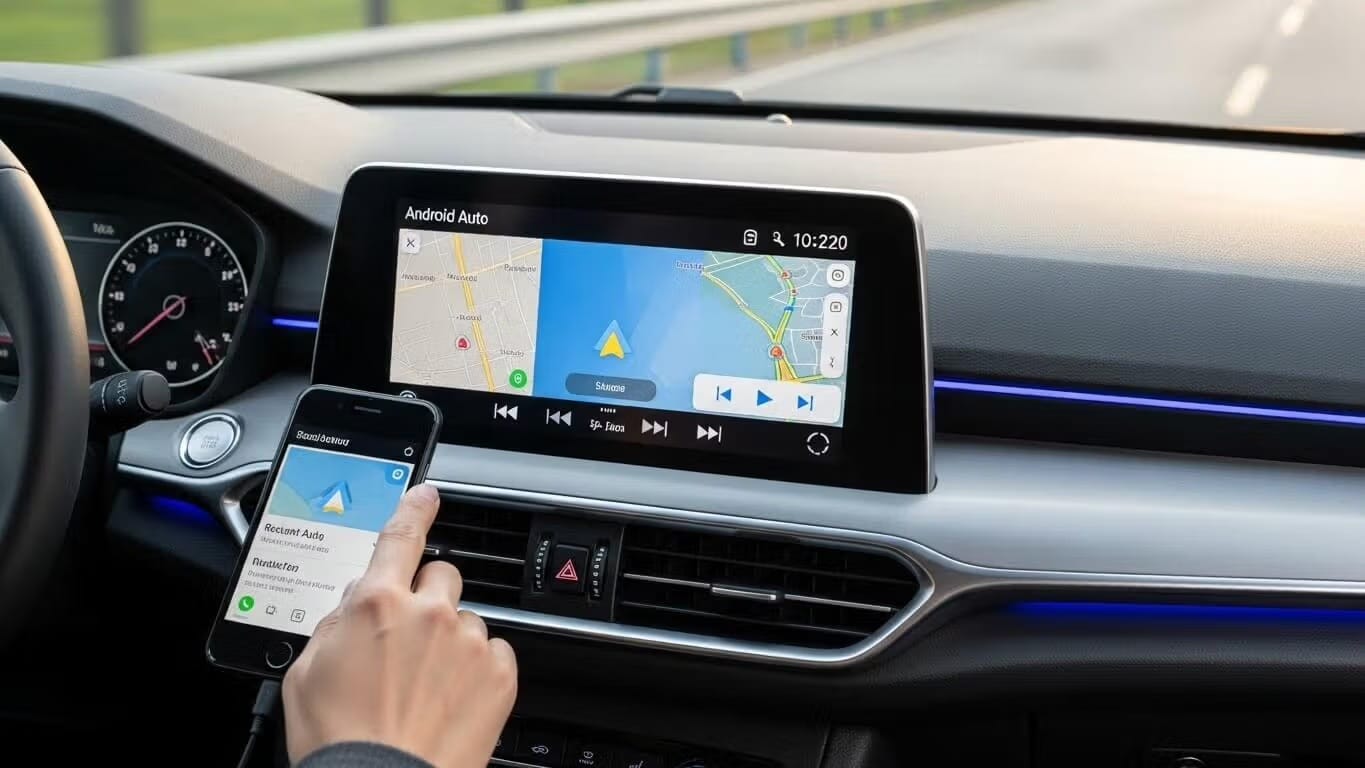
Everything you need to know about Google Maps on Android Auto - setup. default navigation. 5 fixes when it stops showing. Waze comparison. and tips most guides skip.

Netflix on Android Auto is officially coming in 2026. This guide covers 3 ways to watch video on your car screen right now using AAAD while the official rollout completes.

Android Auto not connecting? This guide covers 7 proven fixes for USB and wireless connection failures - including cable checks - Developer Settings - battery optimization and sideloaded app conflicts.

AAAD is safe and contains no malware. Find out why Google Play Protect flags it, where to download the official APK, and what no-root means for your device.

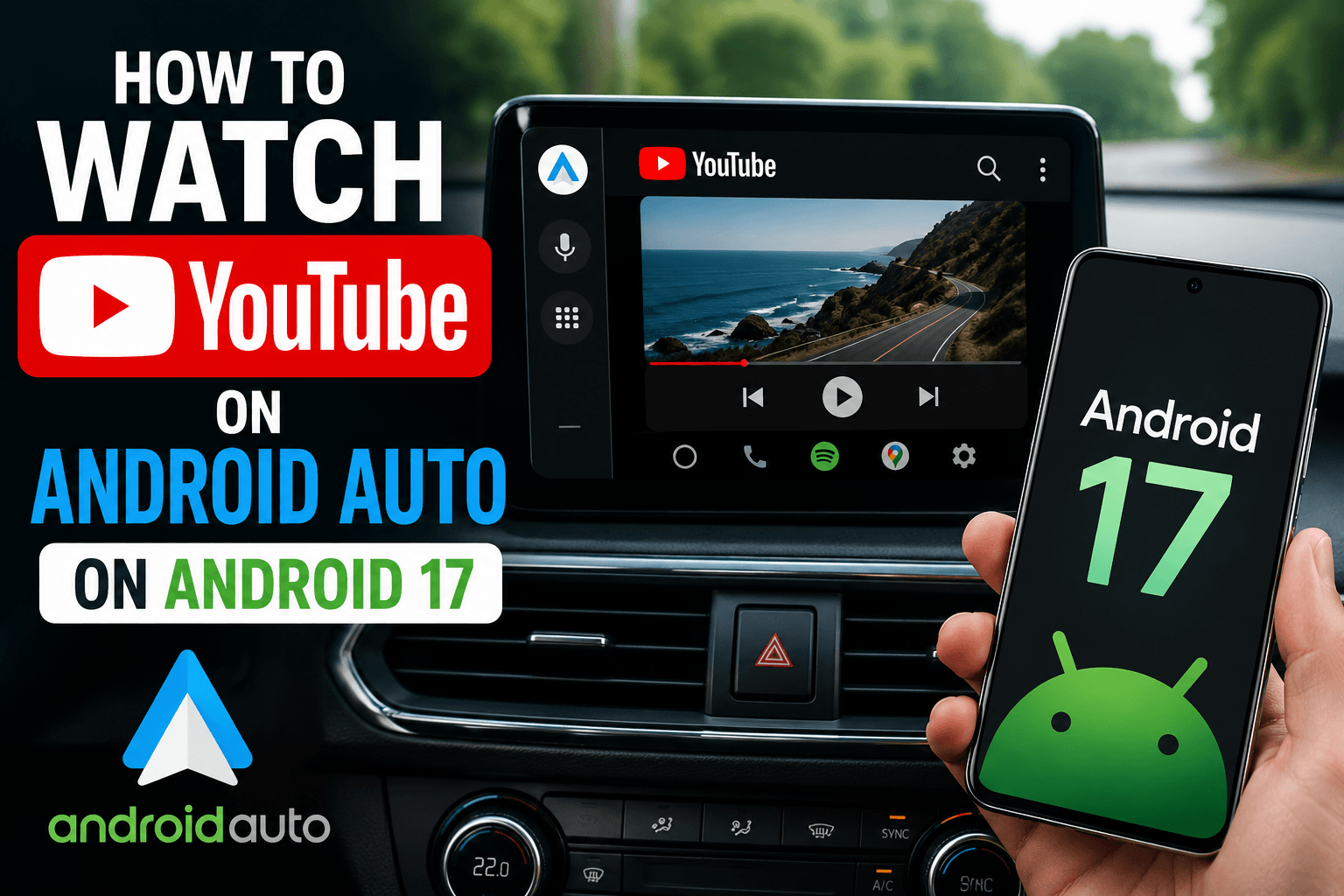
Android 17 is the first Android version to bring official YouTube support to Android Auto. But native support depends on your car manufacturer enabling it — and for most drivers, that rollout won't happen overnight. If you have Android 17 and want YouTube on your car screen right now, there is already a working solution that requires no root and no APK sideloading. Quick Answer: To watch YouTube on Android Auto with Android 17, use AABrowser — available through the AAAD Web App at pwa.aaad.app.

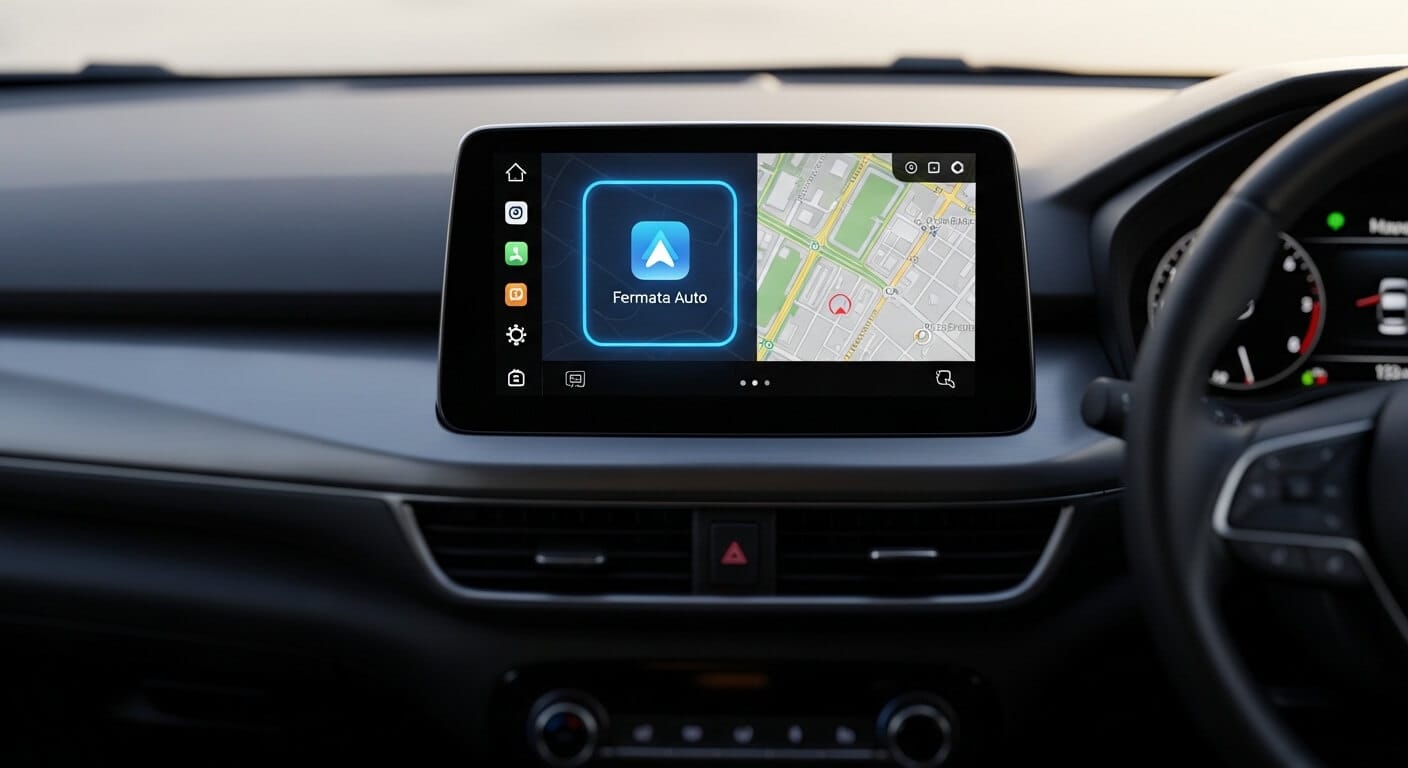
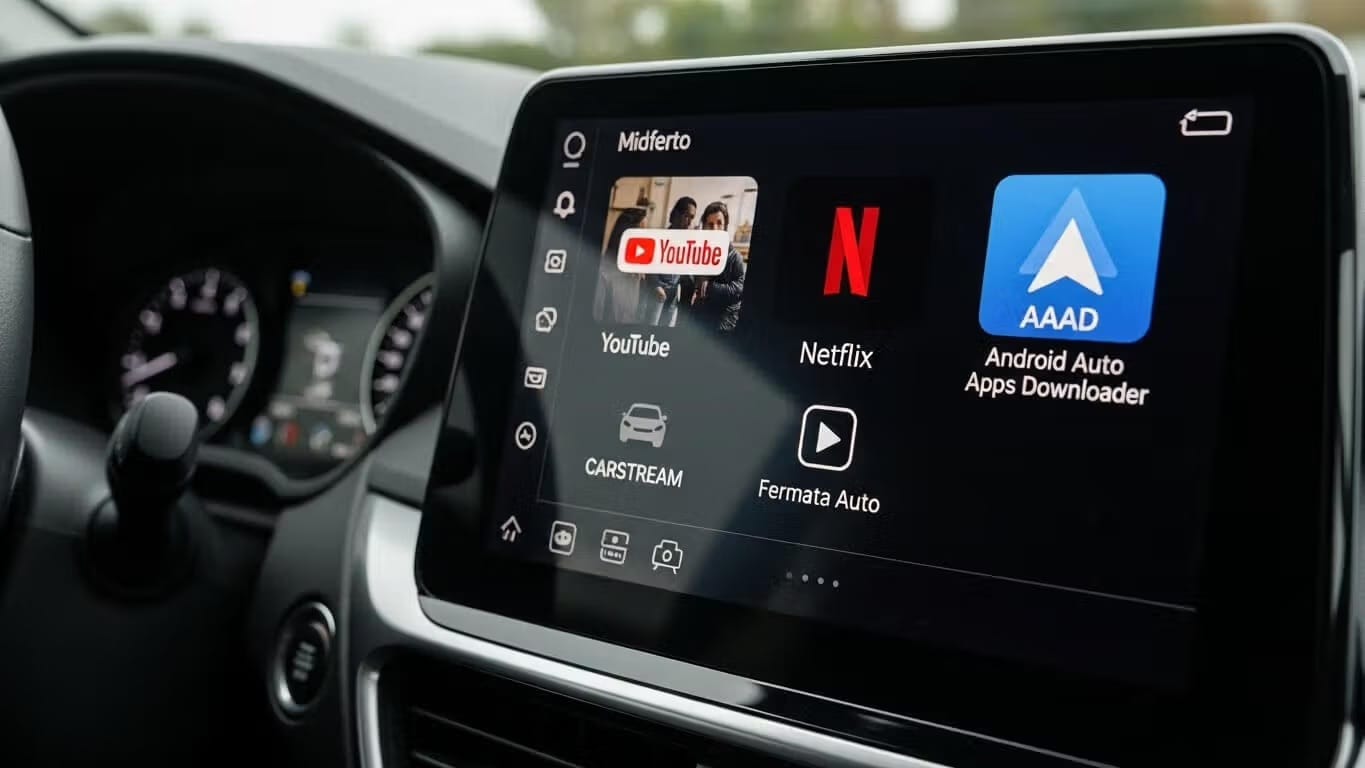
Fermata Auto is a free, open-source media player for Android Auto that plays local video files, IPTV playlists, and streaming content — no root required. To install: download AAAD, tap Fermata Auto, install the APK, then install Fermata Control (required companion). Enable Unknown Sources in Android Auto Developer Settings, connect to your car, and Fermata Auto will appear in the launcher. Want to play local videos, IPTV playlists, or stream content on your car's display without rooting your ph

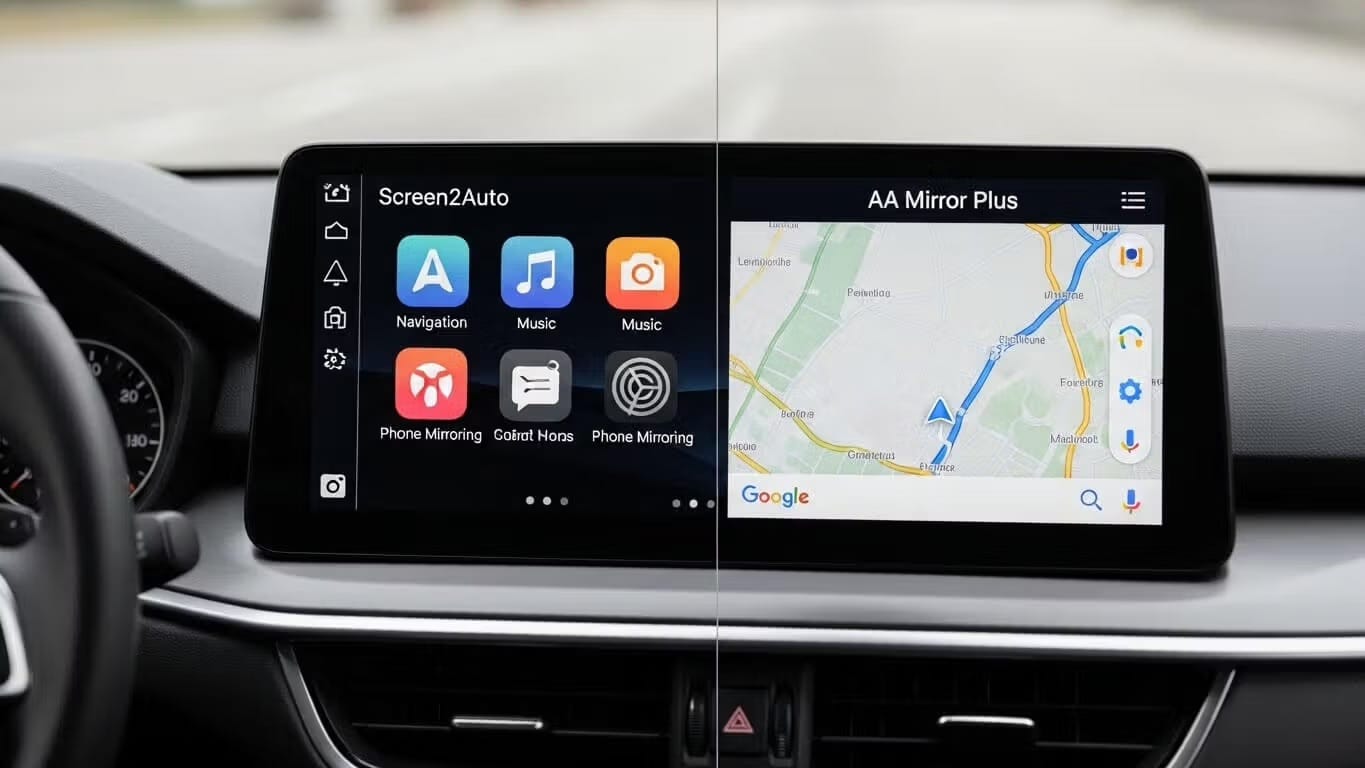
Screen2Auto and AA Mirror Plus are the two leading Android Auto mirroring apps in 2026, both installable without root via AAAD. Screen2Auto is best for power users who want a full app launcher and touch controls on their car screen. AA Mirror Plus is best for casual users who want simple, plug-and-play phone mirroring for their car display. Android Auto is an incredible tool for navigation and music, but it comes with strict restrictions. By default, you cannot watch YouTube, stream Netflix, or

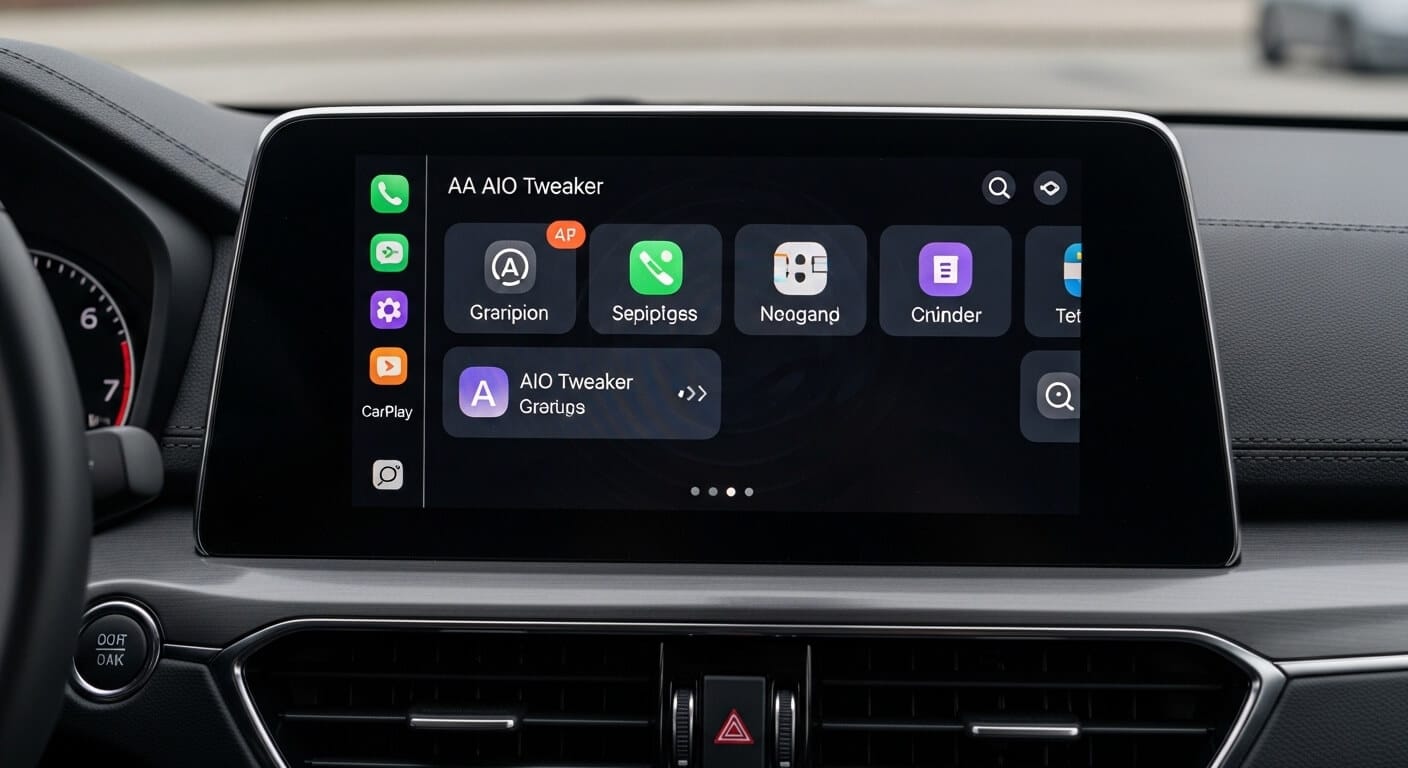
If you drive a modern vehicle, you know that Android Auto is excellent for navigation and music, but it often feels like a "nanny" system. Google places strict limitations on what you can do on your car's screen. Enter AA AIO Tweaker (Android Auto All-In-One Tweaker). This utility has become the go-to solution for enthusiasts looking to bypass restrictions and customize their infotainment experience. This guide covers everything you need to know about AA AIO Tweaker, including its features, li

If you own a Samsung Galaxy phone and your Android Auto apps keep disappearing, you're not alone. This is one of the most common complaints from Galaxy S25, S26, and S24 Ultra users throughout 2025-2026. Quick Solution: If you're looking to install third-party apps like CarStream or Fermata Auto on Android Auto, AAAD (Android Auto Apps Downloader) lets you do it without root, without a PC, and without messing with developer options. The main culprit? Samsung's aggressive battery optimization a

AA Mirror Plus mirrors your full Android phone screen — including YouTube, browsers, and any app — onto your car's infotainment display. Install it in under 10 minutes using AAAD: download AAAD from aaad.app, tap AA Mirror Plus, tap Install, restart your phone, then connect to Android Auto. No root. No PC. No developer options beyond a one-time setup. Tired of Android Auto's restrictions? Want full access to your phone's apps—like YouTube, browsers, or productivity tools—right on your car's dis

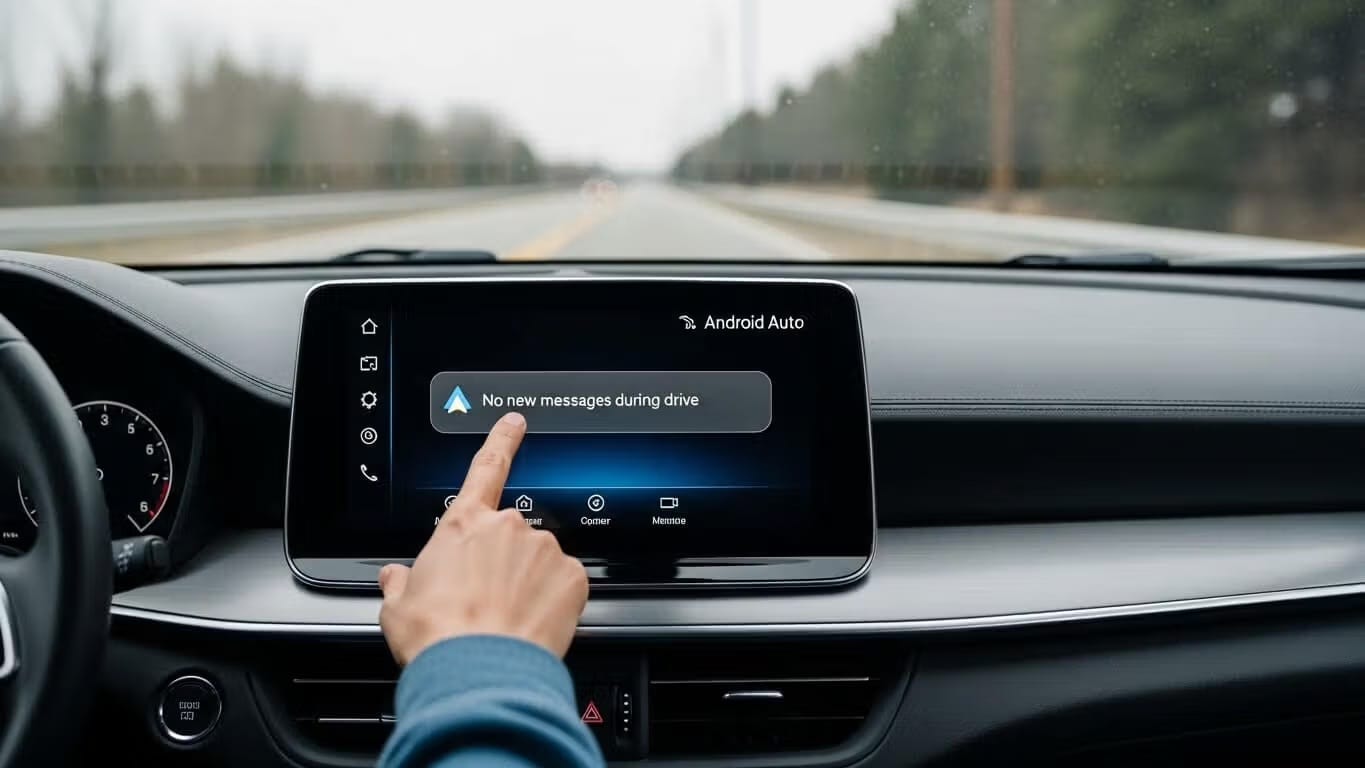
Why does Android Auto show "No new messages during this drive"?There are two separate causes. If you use CarStream, Fermata Auto, or another AAAD app: this message is a generic placeholder Android Auto displays when a third-party app fails to load it has nothing to do with text messages. The fix is enabling Developer Mode and Unknown Sources in Android Auto settings. If you use standard Android Auto without third-party apps: this is a known bug in Android Auto version 16.0 that breaks messaging

Android Auto has transformed the driving experience, providing safe access to navigation, music, and messaging. However, many users find the official app selection restrictive. Google strictly blocks video playback apps like YouTube and Netflix to prevent driver distraction. If you want to unlock your car display's full potential whether to watch YouTube while parked or mirror your phone screen you need to look beyond the Google Play Store. This guide explains how to safely use third-party tool

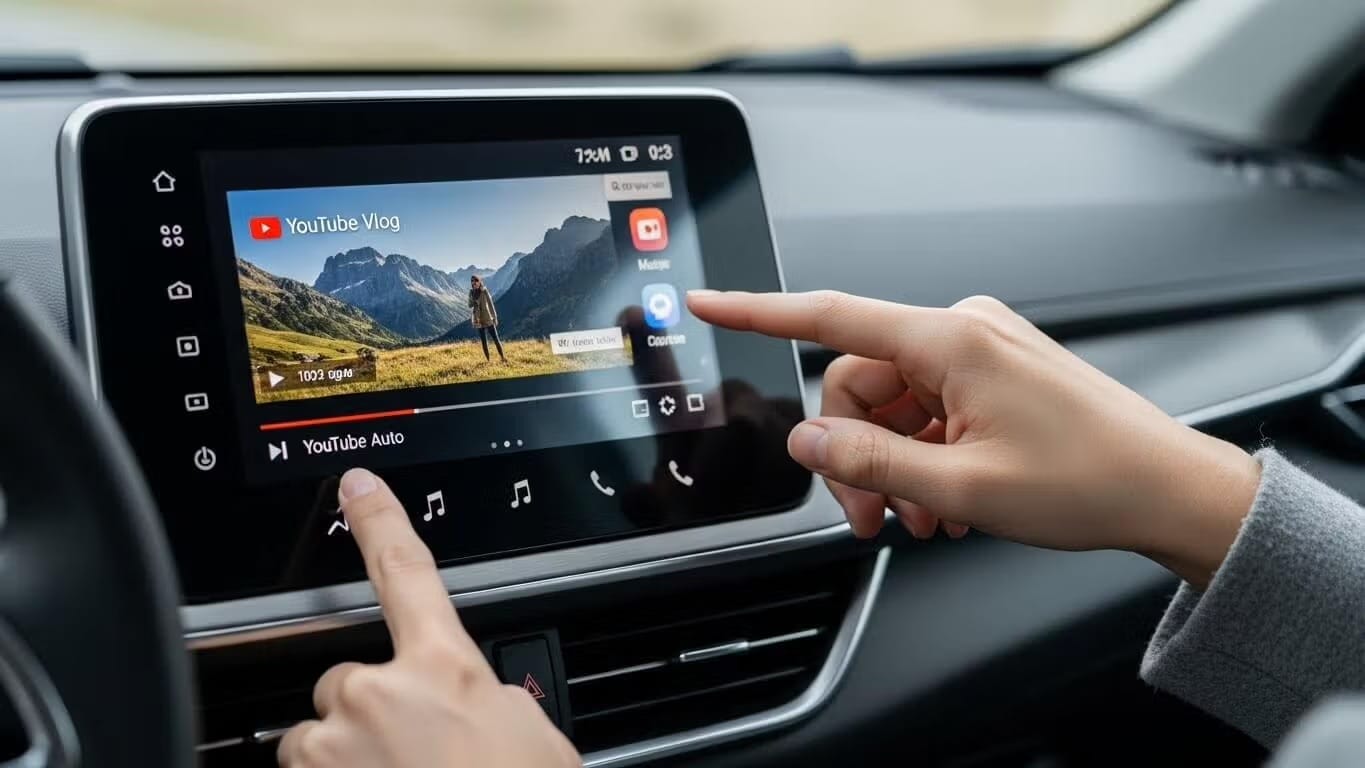
YouTube is blocked on Android Auto by default, but you can unlock it without root by installing CarStream or Fermata Auto through AAAD (Android Auto Apps Downloader). Download AAAD from aaad.app, select your app, enable Unknown Sources in Android Auto Developer Settings, and connect your phone to your car. No PC or root required. Works on Android 14, 15, and 16. Download AAAD Android Auto is built for safety: navigation and audio only. YouTube video playback is blocked at the system level by G

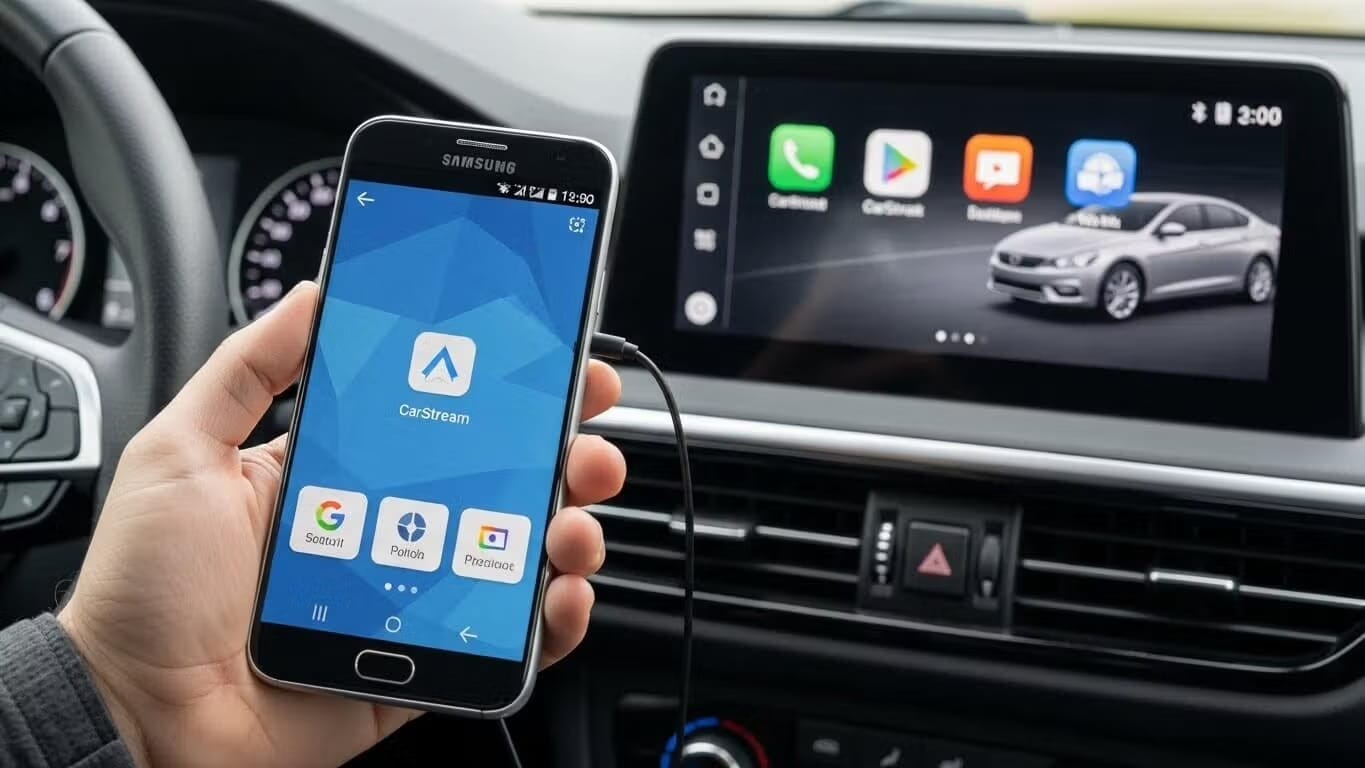
To install CarStream on Android Auto without root, download AAAD from GitHub, open it on your phone, select CarStream, and tap Install. Once installed, enable Developer Mode and Unknown Sources inside the Android Auto settings. Then connect your phone to your car — CarStream will appear in the Android Auto app launcher. The entire process takes under 5 minutes. Can you still use CarStream in 2026? Yes. CarStream remains the most widely used third-party YouTube app for Android Auto. It does not

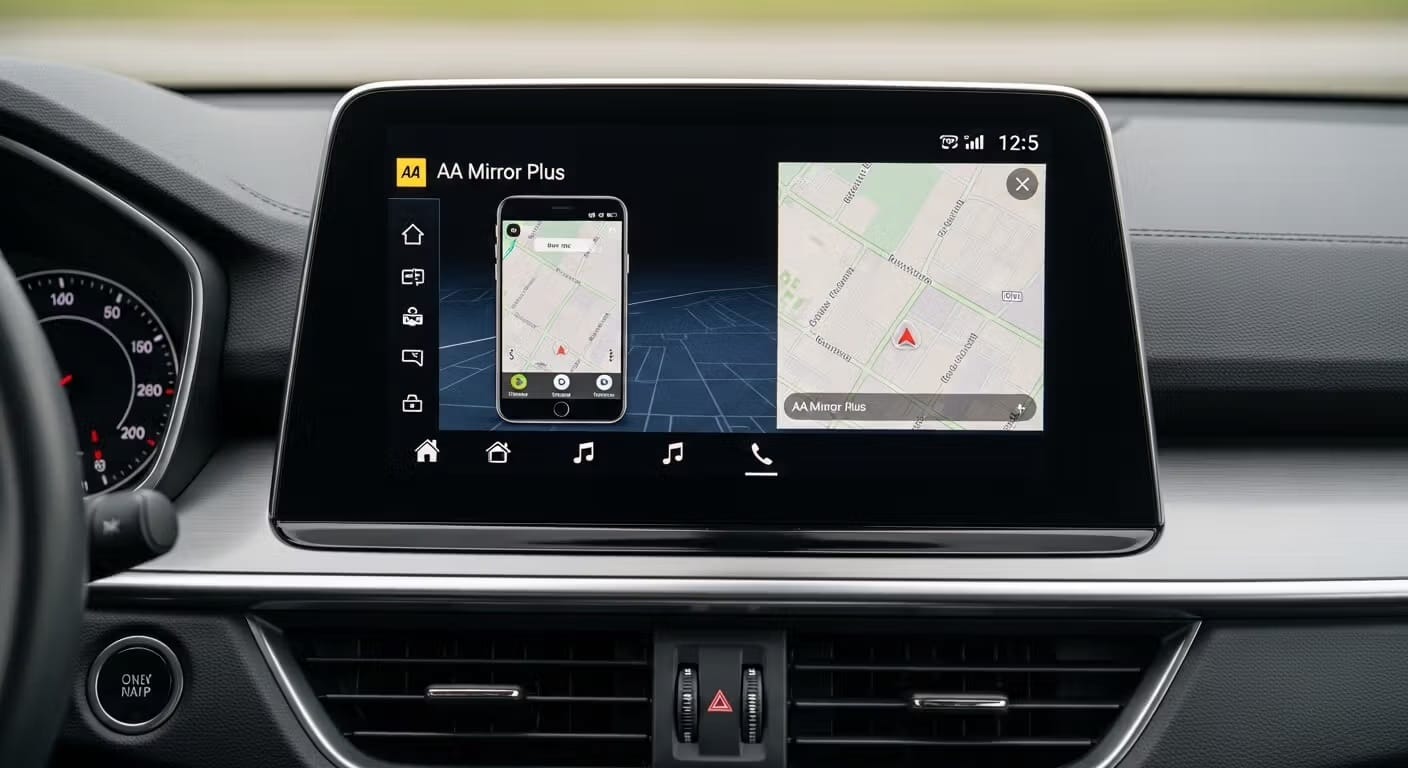
To mirror your phone to Android Auto in 2026, use AAAD (Android Auto Apps Downloader) to sideload a screen mirroring app — no root required. Download AAAD from aaad.app, install either Screen2Auto (full app launcher and touch control) or AA Mirror Plus (simple one-tap casting), then enable Unknown Sources in Android Auto Developer Settings. The mirroring app will appear in your Android Auto launcher within minutes. Android Auto limits its app ecosystem for safety reasons — navigation, audio, an

Want to play videos on Android Auto? You're not alone. Millions of drivers and passengers are looking for ways to unlock video playback on their car's infotainment system. While Google officially restricts video apps on Android Auto for safety reasons, there are legitimate third-party solutions that let you enjoy YouTube, Netflix, and other streaming content when safely parked. In this comprehensive guide, we'll show you exactly how to play videos on Android Auto using apps like AAAD (Android A

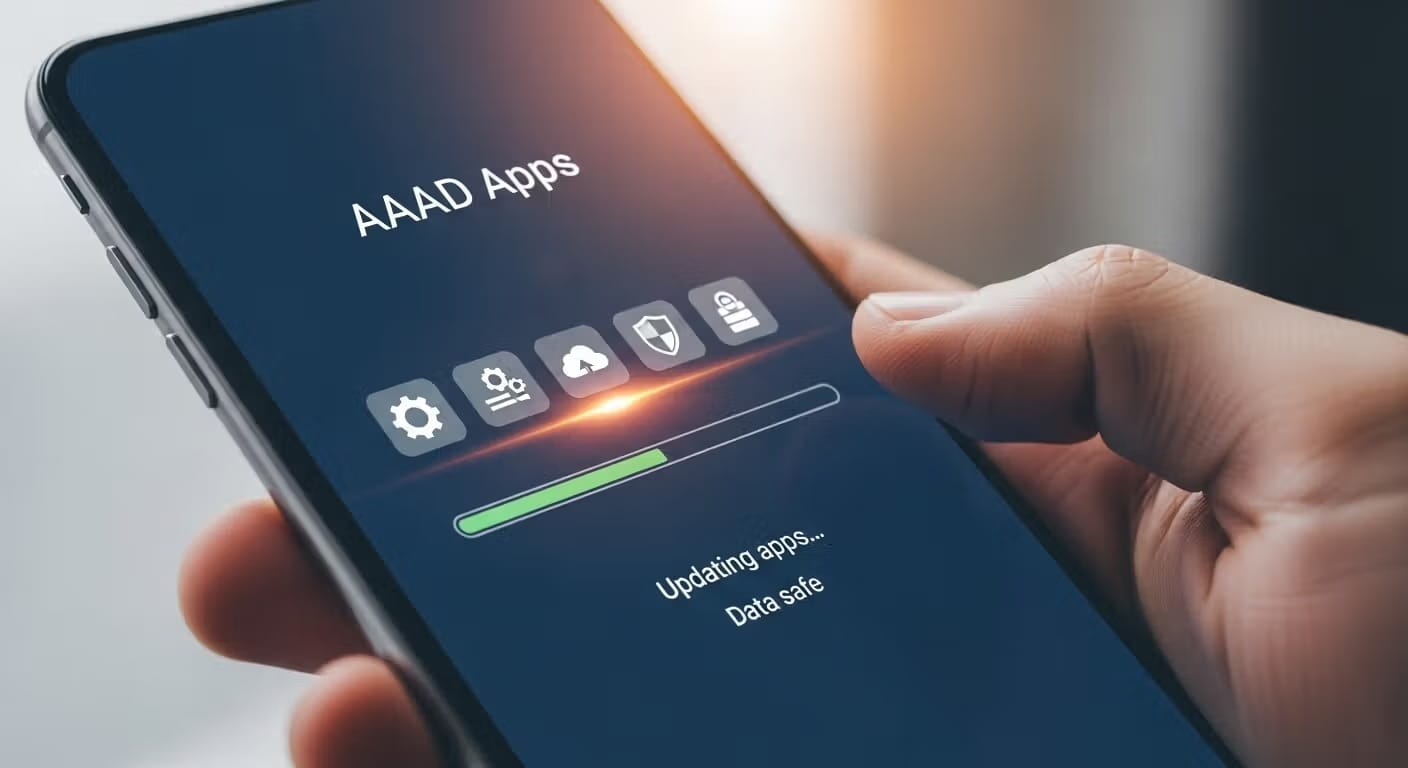
To update apps installed via AAAD without losing your settings, playlists, or bookmarks, you must perform a manual update rather than uninstalling the app first. AAAD apps do not update through the Google Play Store, so updates are handled by installing the new APK over the old one. Download AAAD As long as the app signature matches, Android performs an "In-Place Update," which preserves all user data. Never uninstall the old version first, as this triggers a permanent data wipe of your app pr

The best Android Auto entertainment apps in 2026 are Spotify and YouTube Music for music, Pocket Casts for podcasts, and Fermata Auto or CarStream (installed via AAAD) for video playback without the parked-only restriction. Audio apps work natively from the Play Store. Video apps require AAAD — no root needed. Android Auto handles music, podcasts, and audiobooks well out of the box. Spotify, YouTube Music, Poweramp — these all work natively, integrate with voice commands, and require nothing be

Android Auto has transformed the way we interact with our vehicles, offering seamless navigation, music, and calls. However, in 2026, one feature many users crave easy video playback remains restricted for safety reasons. While Google is gradually introducing official video support for parked vehicles, third-party solutions continue to lead the way. Enter Android Auto Apps Downloader (AAAD), your key to unlocking advanced video capabilities without rooting your device. In this comprehensive gui

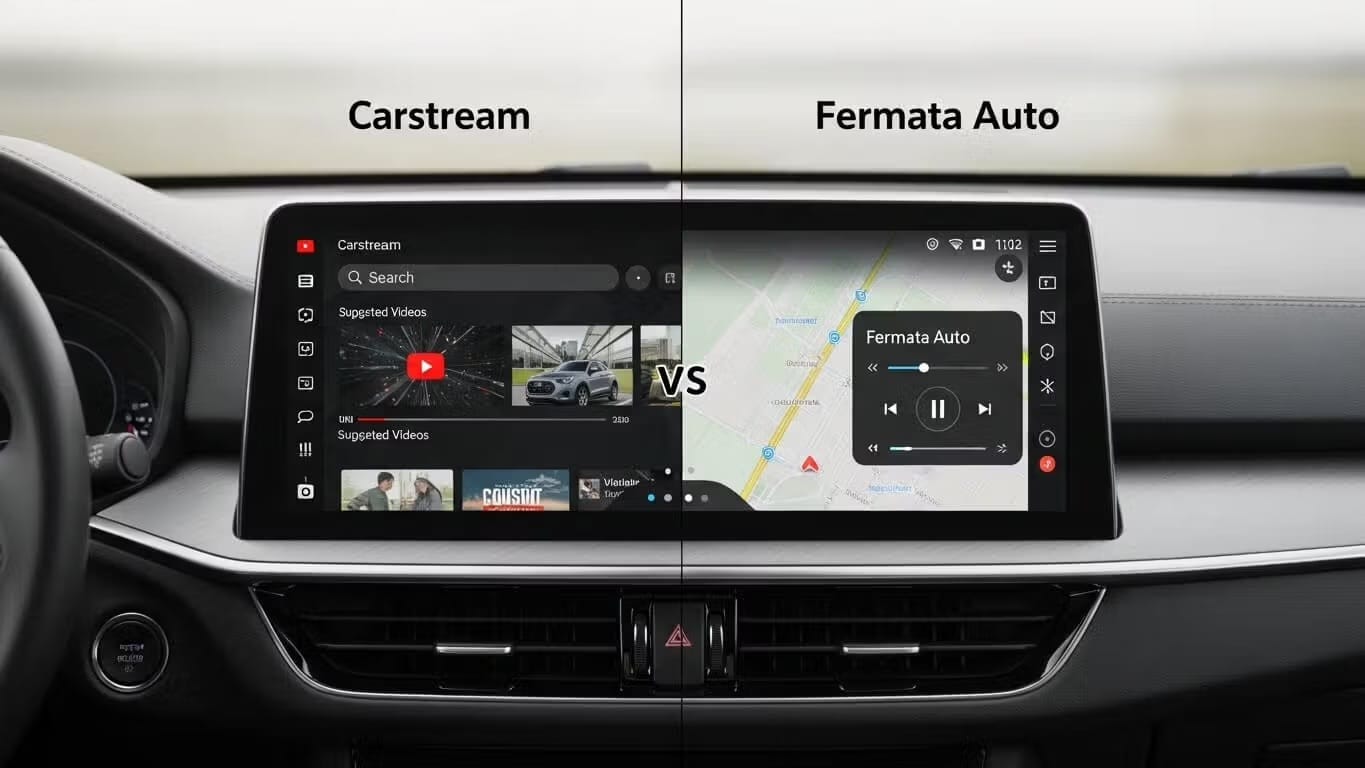
One of the biggest limitations of Android Auto is the inability to play video content on your car’s dashboard. For safety reasons, Google blocks video apps officially. However, thanks to the AAAD (Android Auto Apps Downloader), users can bypass these restrictions to install third-party media players directly to their phones. Download AAAD Two names dominate this space: CarStream and Fermata Auto. Both promise to bring entertainment to your vehicle while parked, but they function very different

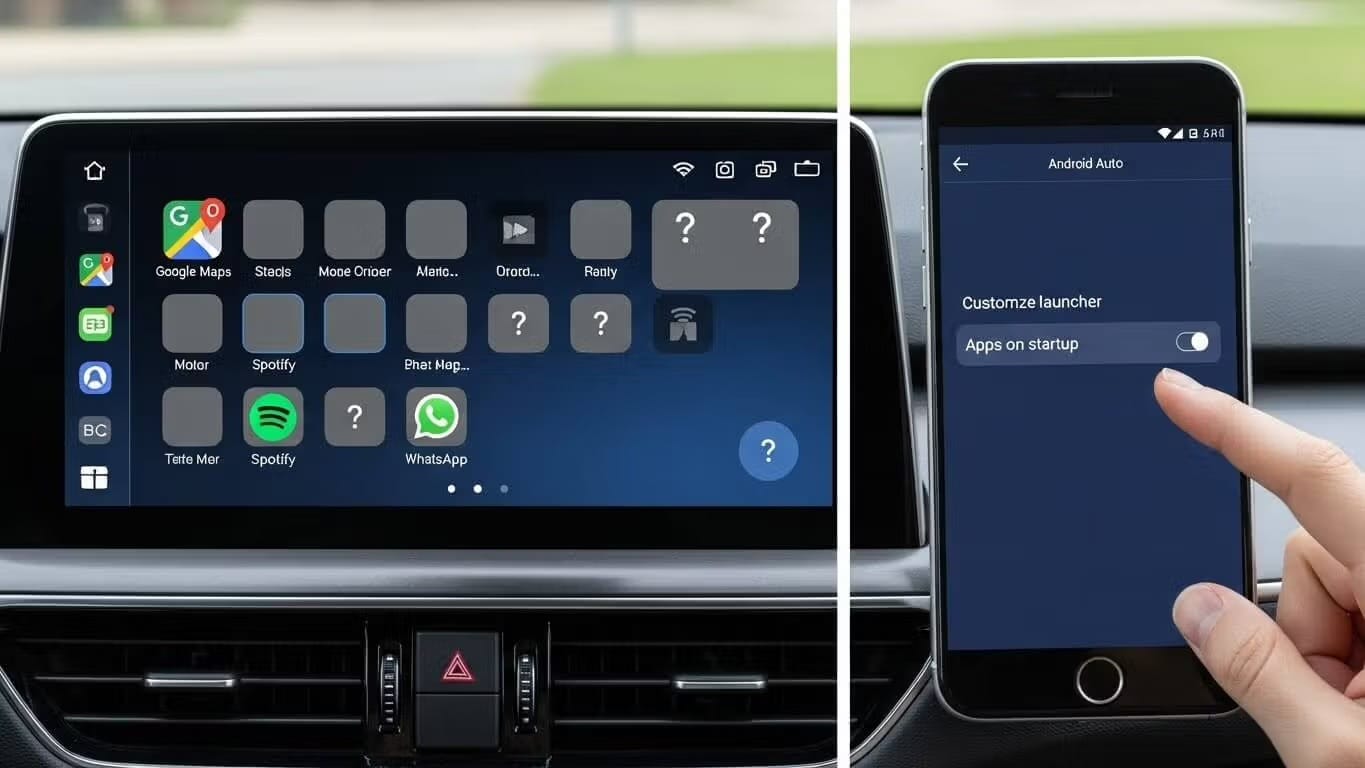
Are your sideloaded apps like CarStream, Fermata Auto, or Screen2Auto missing from your car’s dashboard? It’s a familiar frustration for power users in 2026: you’ve used AAAD (Android Auto Apps Downloader) to install the perfect multimedia app, but when you plug into your vehicle, the icon is nowhere to be found or worse, it launches to a black screen. Download AAAD As the Android ecosystem evolves, Google’s restrictions on automotive software have tightened. By default, the system aggressive

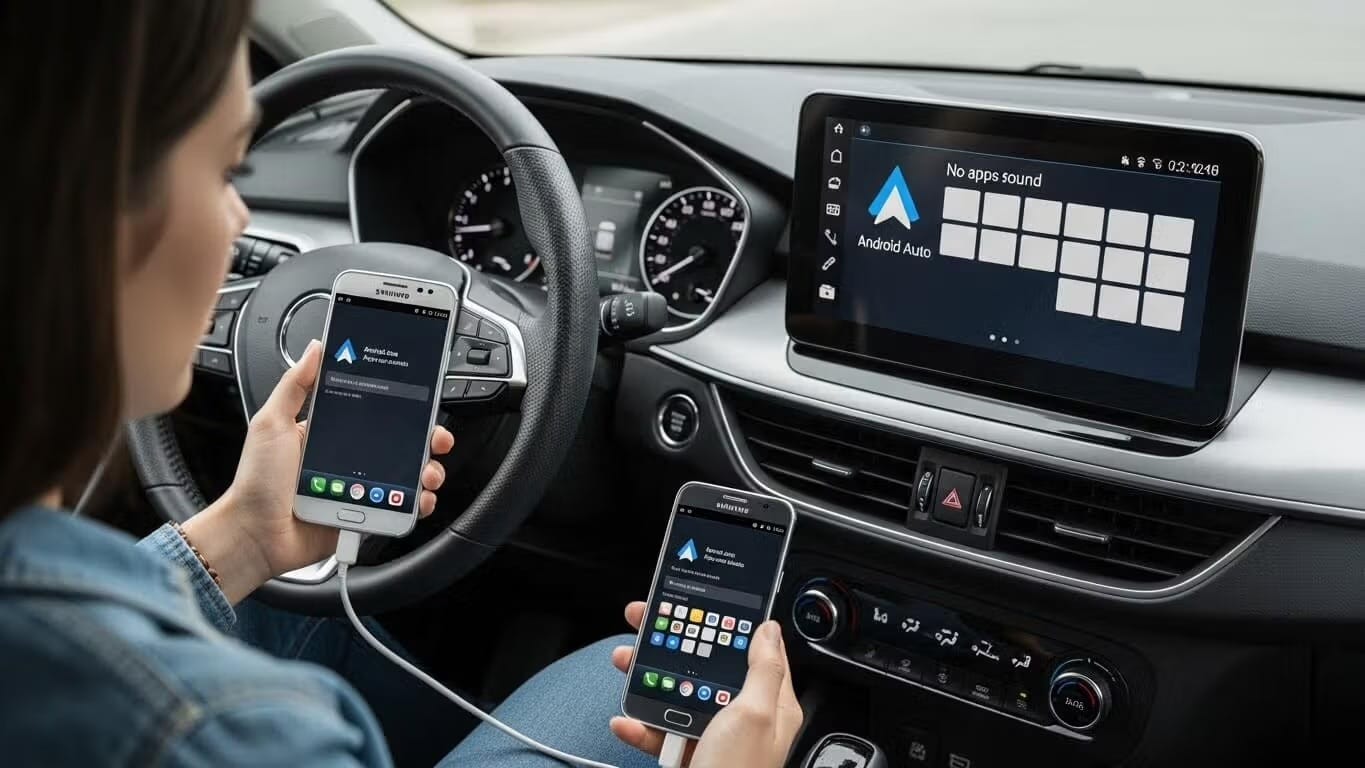
Are your favorite apps not showing up in Android Auto? You're not alone. Millions of users face this frustrating issue where apps mysteriously disappear from the Android Auto launcher. The good news? Most problems can be fixed in just a few minutes. In this guide, we'll cover 4 proven solutions to get your apps back starting with the most powerful one. Solution 1 : Install Third-Party Apps with AAAD Best for: Apps that Google doesn't officially support (YouTube, screen mirroring, video playe